Relay Switch Relay Switch Docs

Local Desktop Gateway

Switch relay providers without rewriting every tool config.

  • Give Cursor, Claude Code, Codex, Cherry Studio, and scripts one local OpenAI-compatible endpoint
  • Manage multiple LLM relay APIs, model sources, health checks, and request logs from a desktop UI
  • Switch upstream services without editing every tool's Base URL and model configuration

Local endpoint

http://127.0.0.1:3456/v1
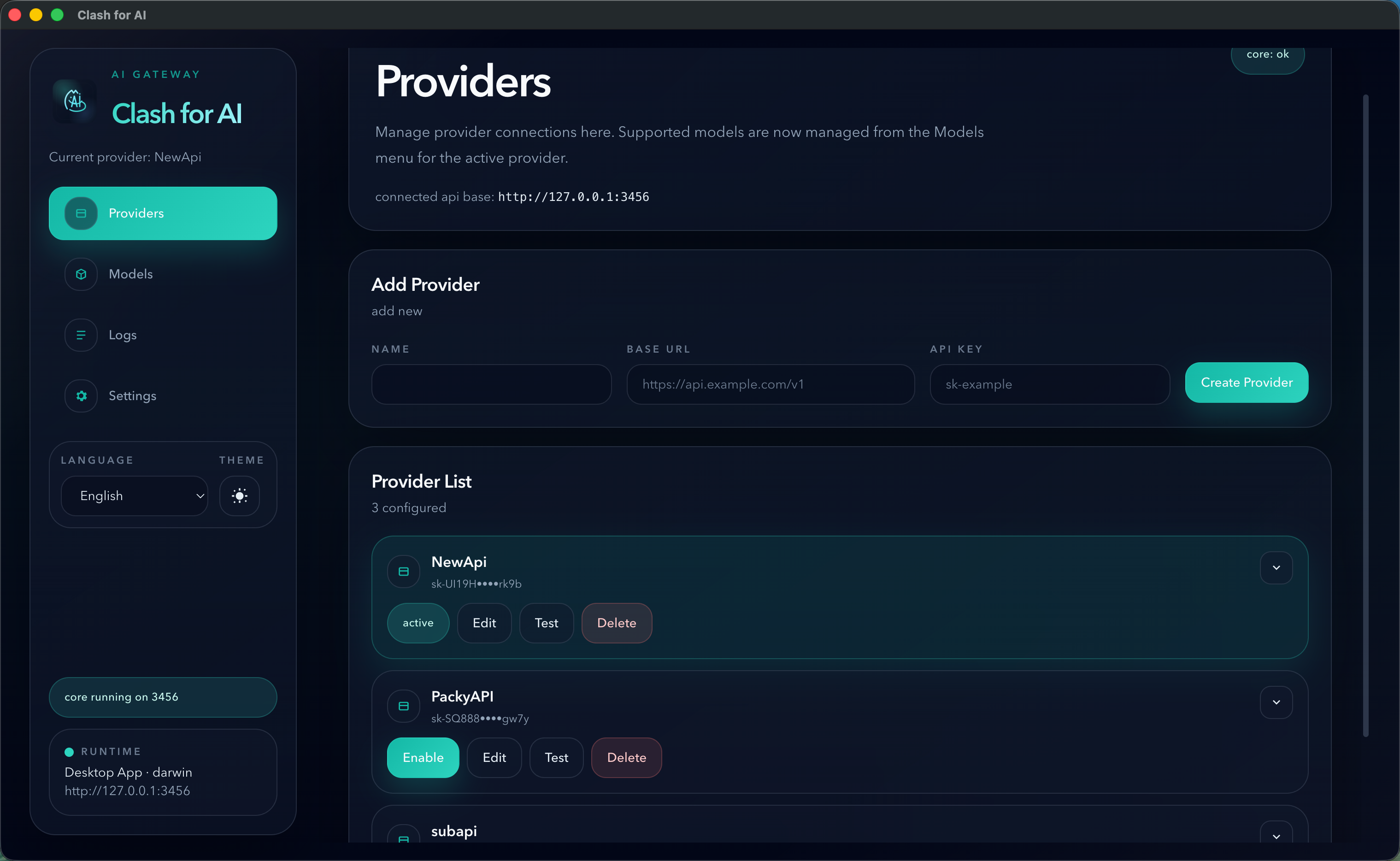
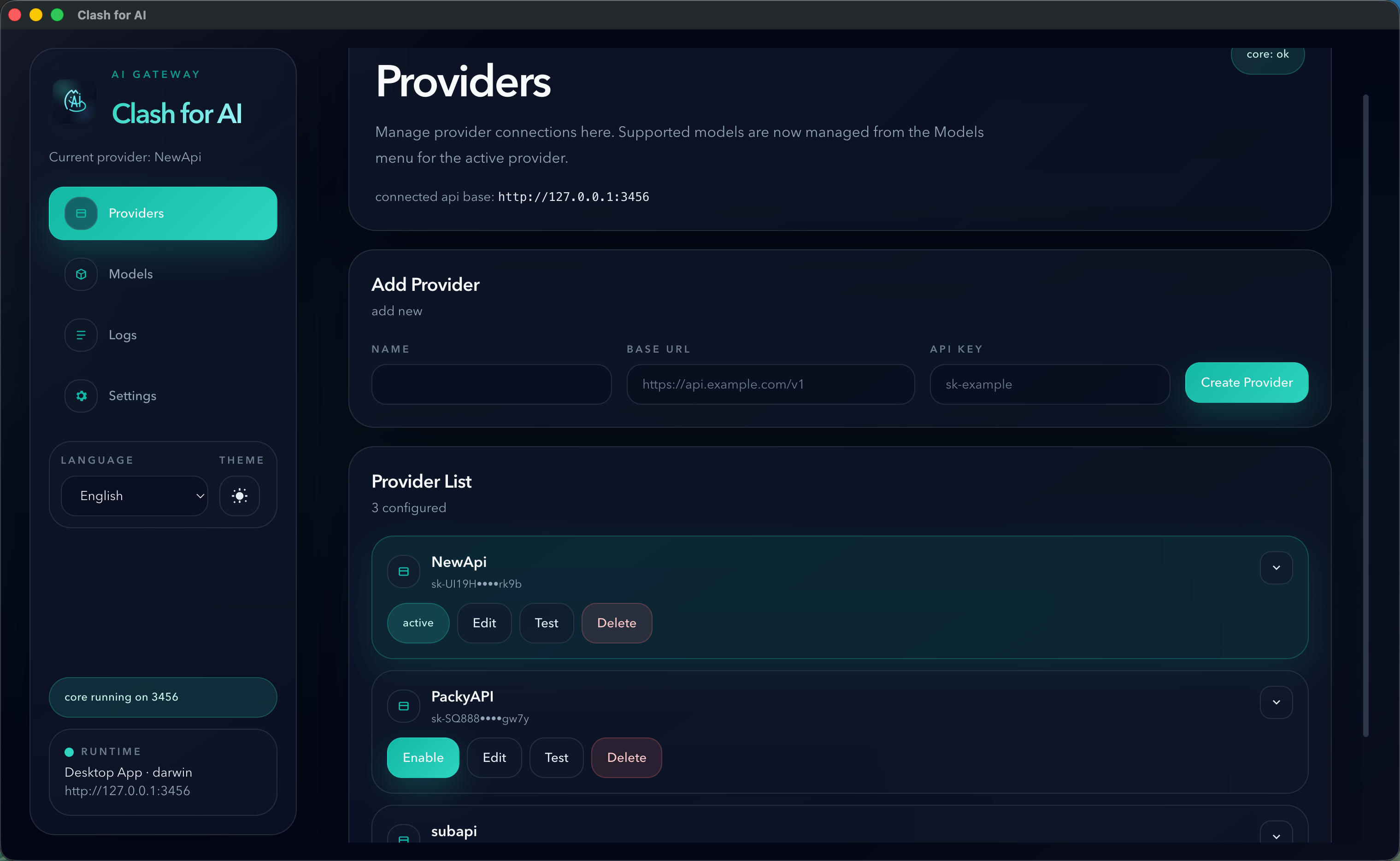
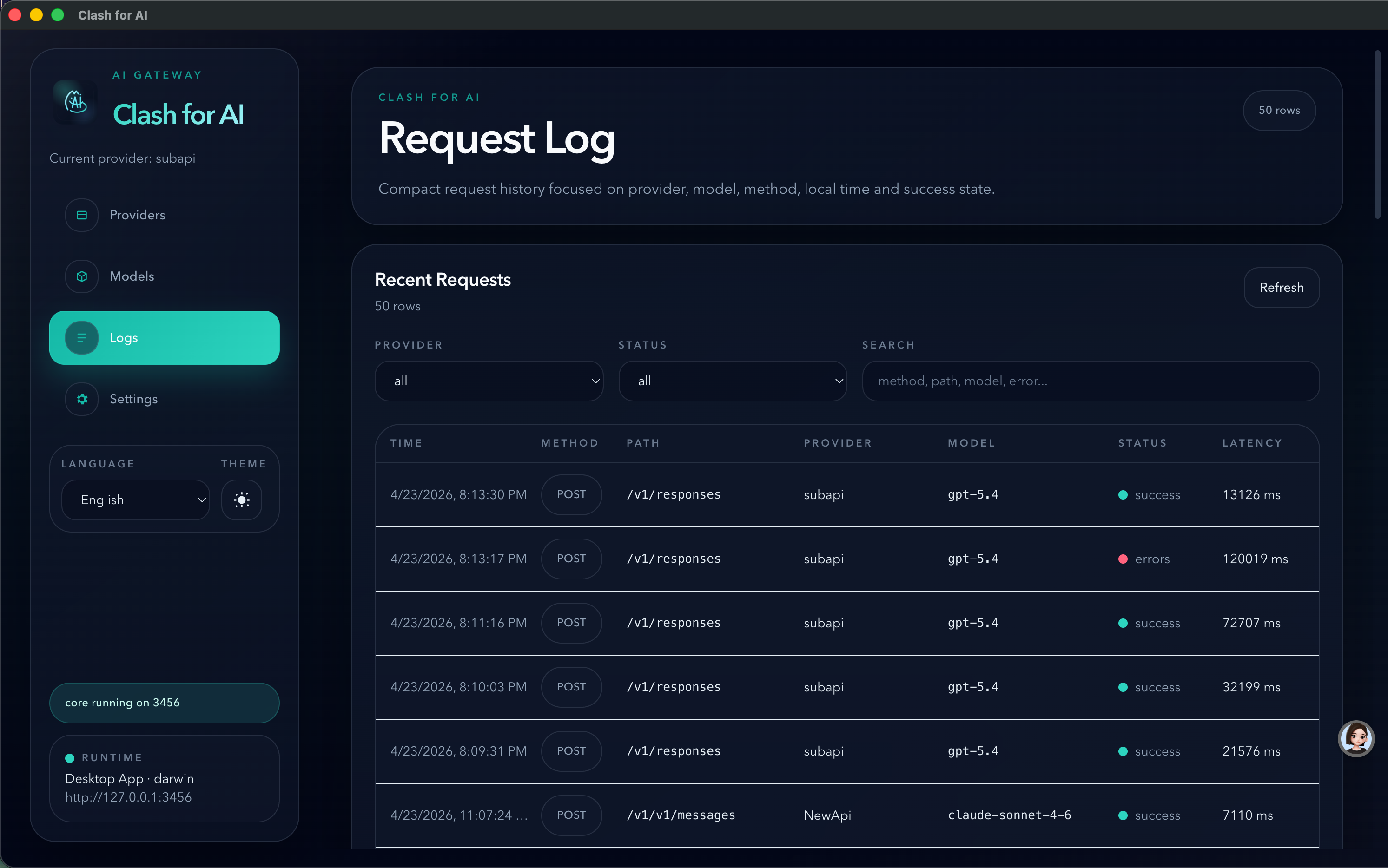
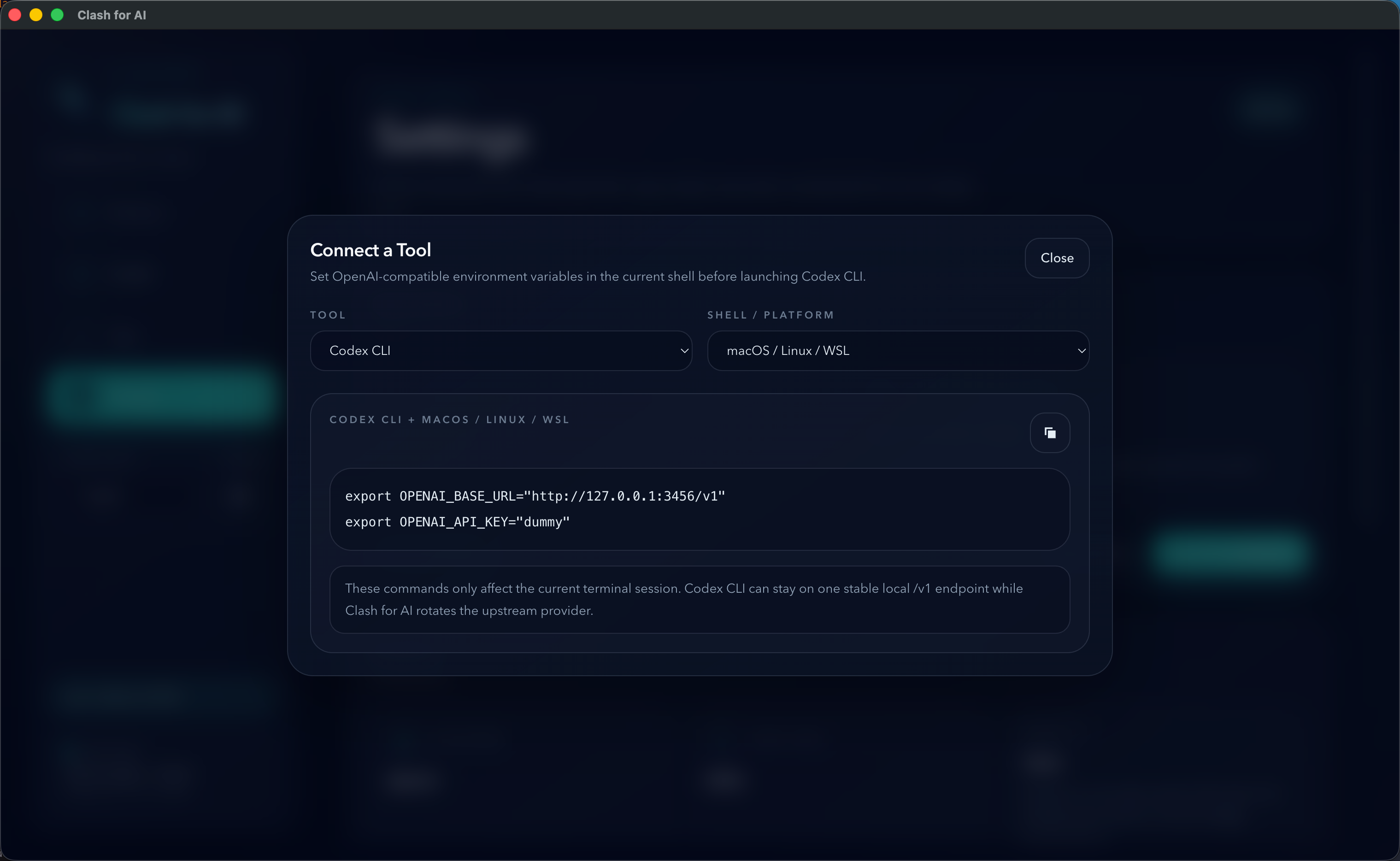
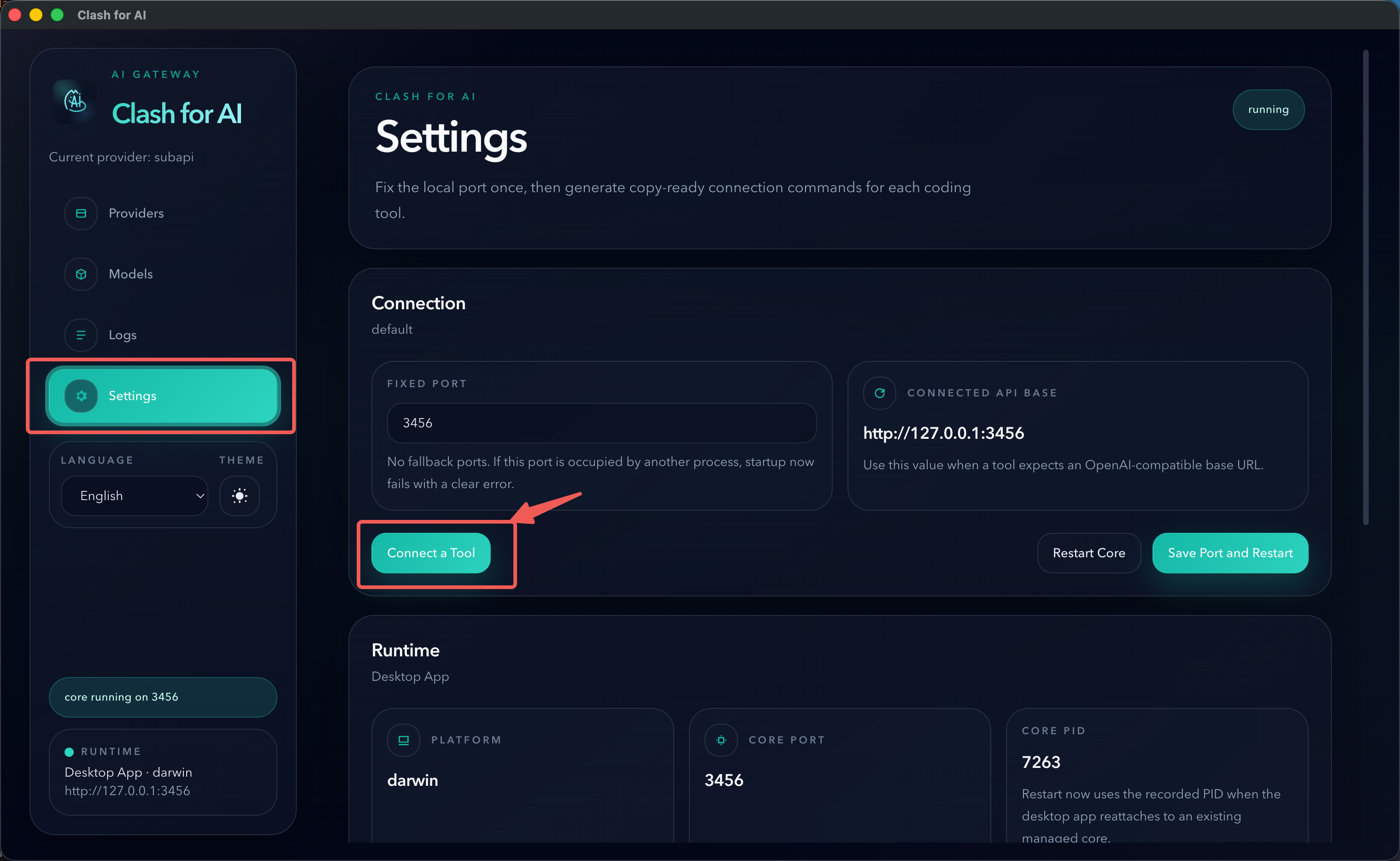
Product Preview

Manage providers, model sources, and request logs from one desktop UI

Browse the core interface screenshots. Add more screenshots later by extending the image list.

Install and use

Download the desktop app, or run the one-line installer on WSL and Linux Server. After installation, point your tools to one local OpenAI-compatible endpoint.

View all releases

WSL / Linux Server one-line install

curl -fsSL https://raw.githubusercontent.com/xiaoyuandev/relay-switch/main/scripts/install.sh | bash

After installation, the Web UI and OpenAI-compatible endpoint run on http://127.0.0.1:3456 by default.

Need the full setup flow?

The docs cover provider configuration, tool integration, Deep Link import, and common setup questions.